AI live chat
No visitor waits. Answers visitors 24/7 from your own content.
One AI agent answers your chats and calls. It writes your emails and posts too, and none go out until you approve.

 4.9/5 on G2 and Capterra
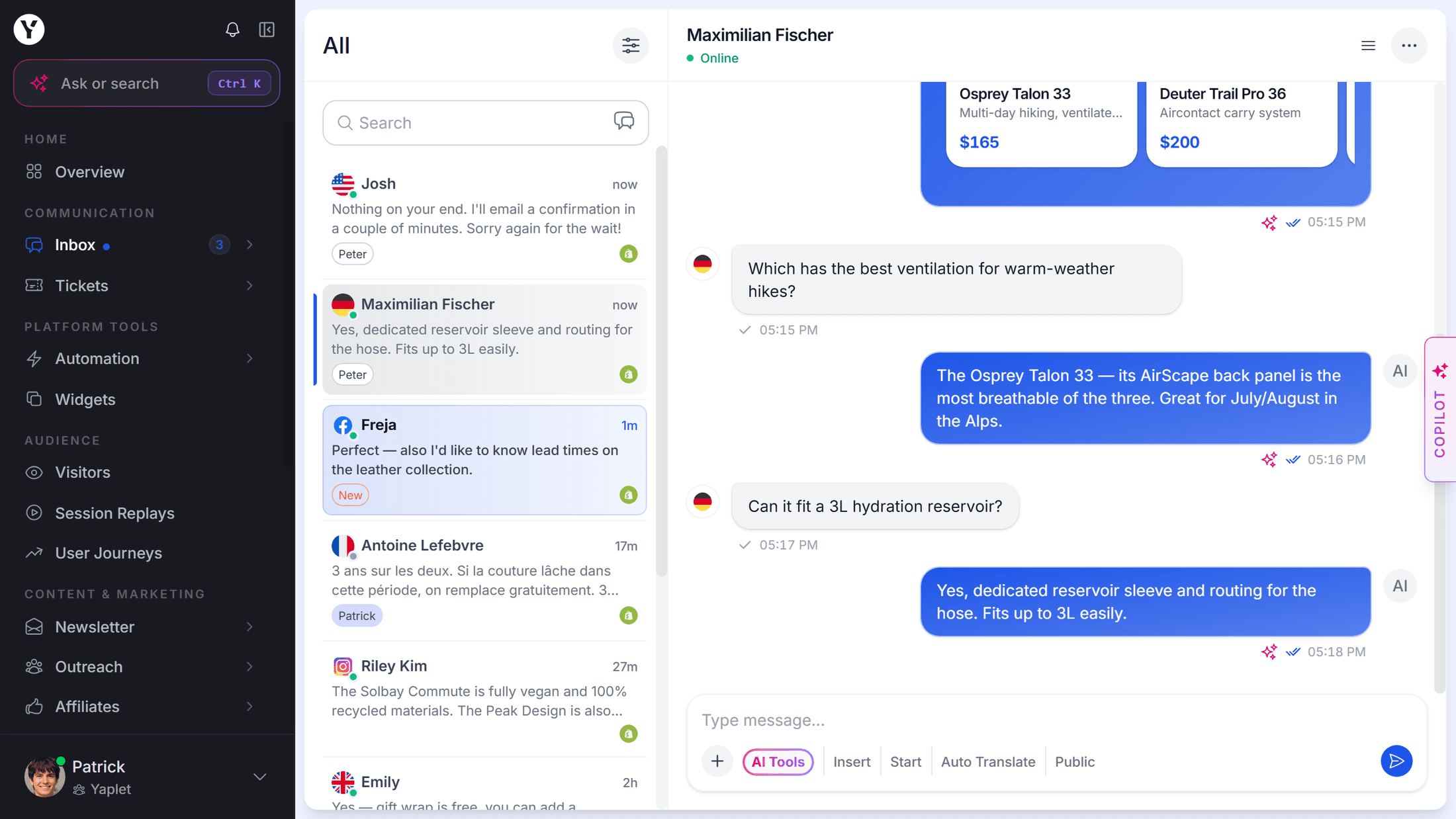
Every channel, one inbox
Live preview · try it
Hi, I'm Yaplet.
Three things need you today.
12 new chats5 waiting for a reply2 campaigns sent
Needs you now
Black Friday is in 3 weeks. No email is planned yet.
Chats doubled yesterday. 318 conversations came in.
Instagram is quiet next week. Nothing is planned.
No visitor waits. Answers visitors 24/7 from your own content.
No missed calls. Picks up every call, day and night.
You stay in charge. Writes your campaigns, then waits for your OK.
Always something to post. Writes posts and makes images from your content.
Know your visitors. Who visits, what they do, and why.
Type what you need, the way you'd say it to a colleague.
It finds the right people and writes the message.
Nothing goes out until you say yes.
Every plan includes Yaplet, the shared inbox, the help center and the mobile app.
Try the paid tools free for 14 days. No card needed.
Yaplet can
billed yearly
For small teams with daily chats.
Everything in Free, plus
billed yearly
Yaplet runs your marketing too.
Everything in Starter, plus
Connect it to your workspace, and it can do the same jobs as Yaplet, with the access you give it.
Still have a question?
No. Yaplet writes the email, picks the audience and saves it as a draft, but a person on your team always presses send. The same goes for switching on automations. Newsletter Autopilot sends on its own only if someone on your team turns its approval step off.
It takes the repetitive work off their plate. On your website, Yaplet answers common questions and passes a chat to a person when it needs one. In the dashboard, it does the busywork your team asks for.
Just write what you want in plain words. Yaplet changes how your chat looks and works, adds a fact to what it knows, finds out why it gave a customer an answer, writes help articles, drafts newsletters, builds chat flows and pop-ups, and replies to chats and tickets. It works with what your plan includes.
Yes. In your dashboard, Yaplet shows you every change, delete or message before it happens and waits until you press Confirm.
No. Yaplet never touches your plan, payments, team members, API keys or connected accounts like your Facebook page. It can only do what the person asking is allowed to do.
You can start on the free plan next to your current tool. Add the chat to your site in a few minutes, try Yaplet with real visitors, and switch over when you're ready.
Yes. No credit card and no time limit. Every new workspace can also try the paid tools free for 14 days, with free AI credits. After that you stay on the free plan; paid tools pause and are kept until you choose a plan. On the free plan, Yaplet's work is pay as you go from your credit: add credit from $5 to keep Yaplet answering your customers and helping you in the dashboard. Credit you buy never expires.
Yes, during your free 14 days and on every paid plan. Connect Claude, Cursor, VS Code or Windsurf through MCP, and the app works in your Yaplet account with your permissions. When you connect, you choose what it may do: only read, also make changes, or also delete and send.
Still have a question?
Sign up in a minute. Yaplet will show you around and help set up your first chat, email and help article.